
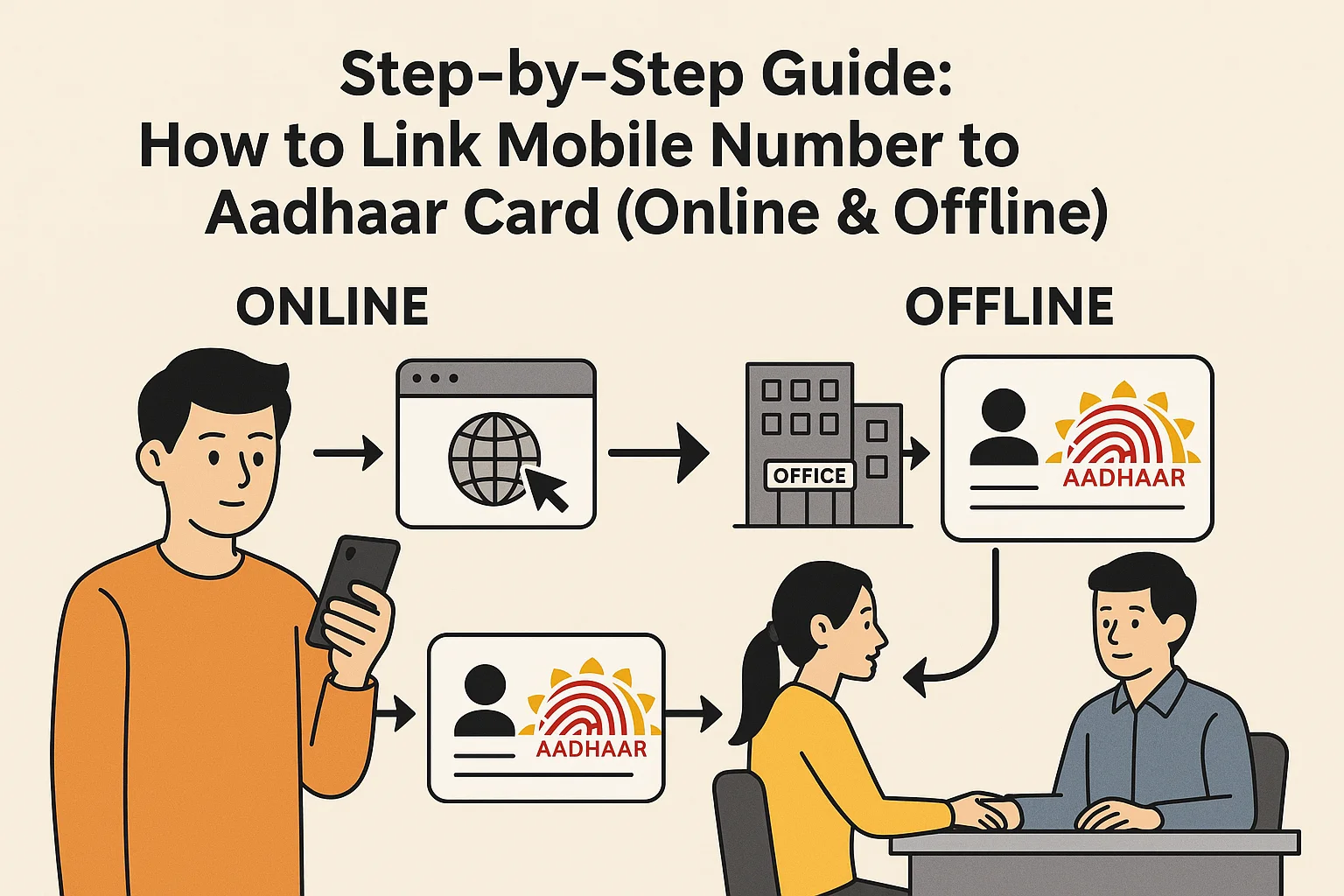
How to Apply for Aadhaar Card Online Step by Step (2025 Guide)
The Aadhaar card has become one of the most important identity documents for every Indian citizen. Whether you are applying for government subsidies, opening a bank account, getting a SIM card, or filing income tax, your Aadhaar card is essential everywhere.
In this detailed step-by-step guide, Service24Hub.in will show you how to apply for an Aadhaar card online, the required documents, how to check your status, and how to download your e-Aadhaar after approval.
🧾 What is Aadhaar Card?
The Aadhaar card is a 12-digit unique identification number issued by the Unique Identification Authority of India (UIDAI). It is linked to your biometric and demographic data, such as:
- Name
- Date of birth
- Address
- Photograph
- Fingerprints
- Iris scan
It serves as both proof of identity (POI) and proof of address (POA) for residents of India.
📋 Benefits of Having an Aadhaar Card
Before applying, let’s understand why having an Aadhaar card is so important in 2025:
- ✅ Government Schemes: Required for benefits like LPG subsidy, PM-Kisan, and pension schemes.
- 💳 Banking Needs: Needed for KYC verification in banks, opening accounts, and linking PAN.
- 📱 Mobile Connection: Mandatory for verifying SIM cards.
- 🧾 Income Tax: PAN-Aadhaar linking is required for filing tax returns.
- 💼 Employment & Verification: Acts as identity proof for jobs, exams, and verification.
- 🌍 Universal Identity: Accepted across India as official ID proof.
🖥️ Can You Apply for Aadhaar Card Fully Online?
Many people think that Aadhaar can be created 100% online, but as of 2025, you cannot complete the entire Aadhaar enrollment process online.
Here’s the truth:
- You can book an appointment online for Aadhaar enrollment.
- But you must visit an Aadhaar Enrollment Centre for biometric data collection (fingerprints, photo, iris scan).
So, you start the process online and complete it offline at the center.
🧭 Step-by-Step Process to Apply for Aadhaar Card Online (2025)
Let’s go through each step carefully so you can complete your Aadhaar application easily.
🪪 Step 1: Visit the Official UIDAI Website
Go to the official Aadhaar website:
👉 https://uidai.gov.in/
Here, you’ll find all Aadhaar-related services — new enrollment, updates, downloads, and more.
🗓️ Step 2: Locate the “Book Aadhaar Appointment” Option
- On the homepage, click on “My Aadhaar” in the top menu.
- Select “Book an Appointment” under the Aadhaar Services section.
- You will be redirected to the official appointment booking page:
👉 https://appointments.uidai.gov.in/bookappointment.aspx
This service allows you to schedule your visit to the nearest Aadhaar Seva Kendra (ASK).
📍 Step 3: Choose Your City or Location
You will see two options on the screen:
- UIDAI-run Aadhaar Seva Kendra
- Registrar-run Aadhaar Seva Kendra
Choose your state, city, and center as per your convenience.
Then click on “Proceed to Book Appointment.”
👤 Step 4: Enter Applicant Details
Now you must fill in your details in the online appointment form:
- Full Name (as per valid ID proof)
- Mobile Number
- Email ID (optional but useful)
- Type of Service (select “New Aadhaar” if you don’t have one)
Click Generate OTP to verify your mobile number.
Once OTP is verified, continue to the next step.
🗓️ Step 5: Select Date and Time for Aadhaar Enrollment
You’ll now see available dates and time slots for your chosen Aadhaar center.
Pick a convenient time and click Confirm Appointment.
You’ll get an appointment slip, which you should print or save — you must show it at the enrollment center.
🧾 Step 6: Gather Required Documents
Before visiting the Aadhaar Enrollment Centre, make sure you have the right documents.
Documents Required for Aadhaar Enrollment:
You need any one document from each category below:
Proof of Identity (POI):
- PAN Card
- Passport
- Voter ID (EPIC)
- Driving License
- Government ID Card
- NREGA Job Card
Proof of Address (POA):
- Electricity Bill (not older than 3 months)
- Water Bill
- Telephone Bill
- Passport
- Bank Statement/Passbook
Proof of Date of Birth (DOB):
- Birth Certificate
- SSLC Certificate
- Passport
- PAN Card
💡 Tip: Bring original documents for verification (they will be scanned and returned immediately).
🏢 Step 7: Visit the Aadhaar Enrollment Centre
On the scheduled date and time, visit the Aadhaar Seva Kendra you selected online.
At the center:
- Show your appointment slip.
- Submit your documents for verification.
- Provide biometric data (fingerprints, iris scan, and photo).
- Confirm all details carefully before final submission.
You will then receive an Acknowledgement Slip containing your Enrollment ID (EID).
Keep it safe — it helps you track your application status later.
🕒 Step 8: Check Aadhaar Application Status Online
After enrollment, you can check your Aadhaar status online within 2–3 weeks.
Here’s how:
- Go to the UIDAI portal: https://myaadhaar.uidai.gov.in/
- Click on “Check Aadhaar Status”.
- Enter your Enrollment ID (EID) printed on your slip.
- Fill the captcha and click Submit.
The screen will show whether your Aadhaar is generated or still under process.
📄 Step 9: Download Your e-Aadhaar Card Online
Once your Aadhaar is approved and generated, you can download the digital version (e-Aadhaar).
Follow these steps:
- Visit: https://myaadhaar.uidai.gov.in/genricDownloadAadhaar/
- Choose Aadhaar Number, Enrollment ID, or VID option.
- Enter details and captcha.
- Verify with OTP sent to your registered mobile number.
- Click Download Aadhaar.
The PDF file will open.
🔐 Password: First four letters of your name in CAPITAL + birth year (YYYY).
Example: Name = “SURESH”, Birth Year = “1990” → Password = SURE1990

🖨️ Step 10: Print and Use Your Aadhaar Card
After downloading, you can print your Aadhaar card on normal paper or PVC card.
You can also order a PVC Aadhaar card directly from UIDAI by paying ₹50:
- Visit https://myaadhaar.uidai.gov.in/
- Click Order Aadhaar PVC Card
- Enter Aadhaar/VID and verify OTP
- Pay ₹50 online via credit/debit card, UPI, or net banking
Your card will be delivered to your address by India Post.
📲 Alternative Ways to Apply for Aadhaar
If you don’t have internet access, you can also apply by visiting these locations directly:
- Post Offices (India Post Aadhaar Centers)
- Banks (Authorized Aadhaar Enrollment Points)
- Government Offices
They follow the same biometric and document verification process.
🔁 Updating Your Aadhaar Details (After Enrollment)
Sometimes, your address or phone number may change. You can update your Aadhaar details easily:
Update Online (for limited fields)
Go to: https://myaadhaar.uidai.gov.in/
You can update:
- Address
- Mobile number
- Gender
- Photo (at center only)
For biometric updates or name/date of birth corrections, you must visit an Aadhaar Seva Kendra.
💬 Common Questions (FAQs)
1. Is Aadhaar free to apply?
Yes. The first Aadhaar enrollment is completely free of cost.
2. Can I apply for Aadhaar without a mobile number?
You can enroll, but a mobile number is needed to receive OTPs and access online services later.
3. How long does it take to get Aadhaar after enrollment?
It usually takes 2 to 3 weeks, but in some cases, up to 90 days.
4. Can I apply for Aadhaar if I’m under 18?
Yes. Children below 5 years can also get Aadhaar using their parent’s documents.
5. What if I lose my Aadhaar card?
You can easily download e-Aadhaar again or order a PVC reprint from UIDAI.
🧠 Expert Tips from Service24Hub.in
- Always check your Aadhaar details carefully before submission.
- Keep your mobile number linked for easy OTP access.
- Avoid agents who charge extra — Aadhaar enrollment is free.
- Use official UIDAI portals only; avoid fake websites.
- Keep your acknowledgment slip safe until you receive the final Aadhaar.
🔒 Aadhaar Security Tips
- Never share OTPs with anyone.
- Do not post Aadhaar details publicly.
- Use masked Aadhaar (only last 4 digits visible) for online submissions.
- Regularly update your Aadhaar-linked mobile number.
🧭 Final Words
Applying for an Aadhaar card is a simple and free process if done through the official UIDAI portal.
Although biometric verification must be completed offline, most of the initial steps can be conveniently managed online.
By following the above step-by-step Aadhaar application guide (2025) from Service24Hub.in, you can easily complete your enrollment and get your Aadhaar card without any hassle.
If you found this article helpful, share it with your friends and family — help them apply for their Aadhaar card the right way!
🔗 Important Links:
- YouTube Channel Link – https://www.youtube.com/@Service24Hub
- Official Aadhaar Website: https://uidai.gov.in/
- Book Appointment: https://appointments.uidai.gov.in/
- Check Status: https://myaadhaar.uidai.gov.in/
- Download e-Aadhaar: https://eaadhaar.uidai.gov.in/
- Service24Hub.in – https://service24hub.in/hello-world/
Keywords for SEO:
Aadhaar card apply online, Aadhaar enrollment 2025, how to get Aadhaar card online, UIDAI appointment, Aadhaar registration, e-Aadhaar download, Aadhaar application process, Aadhaar PVC card, Aadhaar update online.
YouTube Channel Link – https://www.youtube.com/@Service24Hub
📝 Meta Description (under 160 characters)
Learn how to apply for Aadhaar card online in 2025. Step-by-step guide with documents, appointment booking, and e-Aadhaar download process.

[…] One of the key reasons Service24Hub.in is popular among beginners is our structured step-by-step approach. […]